 Craft Apps Guide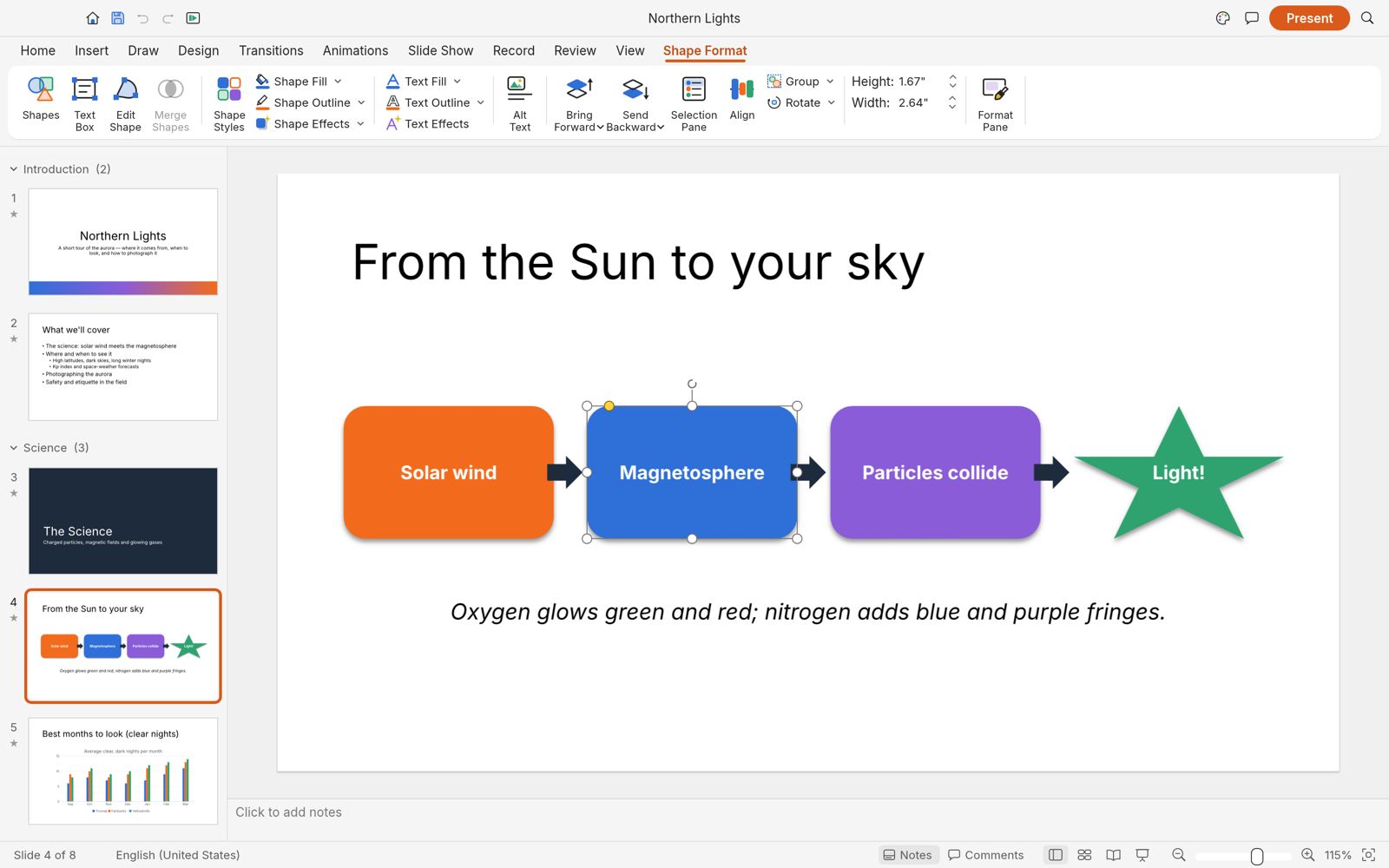
Build Slides with Shapes
Choose a layout, add text and images, then use vector shapes and connectors to explain an idea visually.
FREE · OPEN SOURCE · IN DEVELOPMENT (ALPHA) · WINDOWS / MACOS / LINUX
A free, open-source presentation editor for slides and shows. Create a first deck, compare it with PowerPoint, and choose the right export for sharing.
DeckCraft editor interface · Official project screenshot
| What matters | DeckCraft | Microsoft PowerPoint |
|---|---|---|
| Cost | Free to use | Paid Microsoft 365 plans or separate license, depending on edition |
| Source code | Open source, built in Rust | Proprietary |
| Slide creation | Themes, layouts, text, shapes, images, charts and notes documented | Mature slide authoring tools and templates |
| Presenting | Transitions, animation, full-screen show and presenter view documented | Established presenting workflow |
| PowerPoint files | Opens and saves .pptx; complex content can differ after exchange | Native .pptx editing workflow |
| Other output | PDF slides and handouts; PNG/JPEG slide images | PDF and image export |
| Development stage | Alpha / in development | Established commercial product |
| Best fit | Create a free deck or try a new presentation workflow | Teams dependent on full PowerPoint compatibility |
DeckCraft gives you a free way to create and present slides, with .pptx exchange and PDF export. It is an alpha app, so use its native project file for editing and review exchanged .pptx files before a shared presentation.
Choose a layout, add text and images, then use vector shapes and connectors to explain an idea visually.
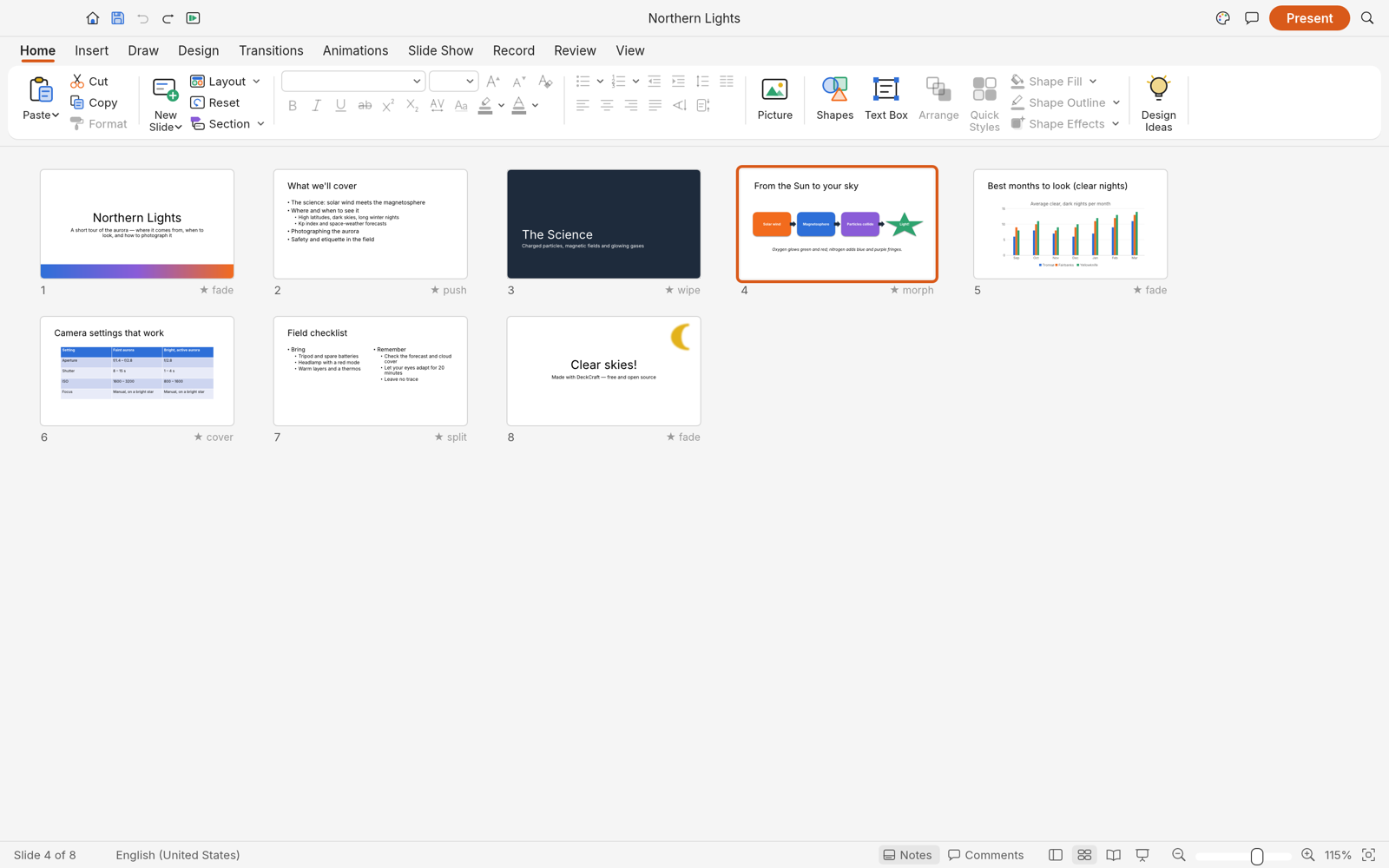
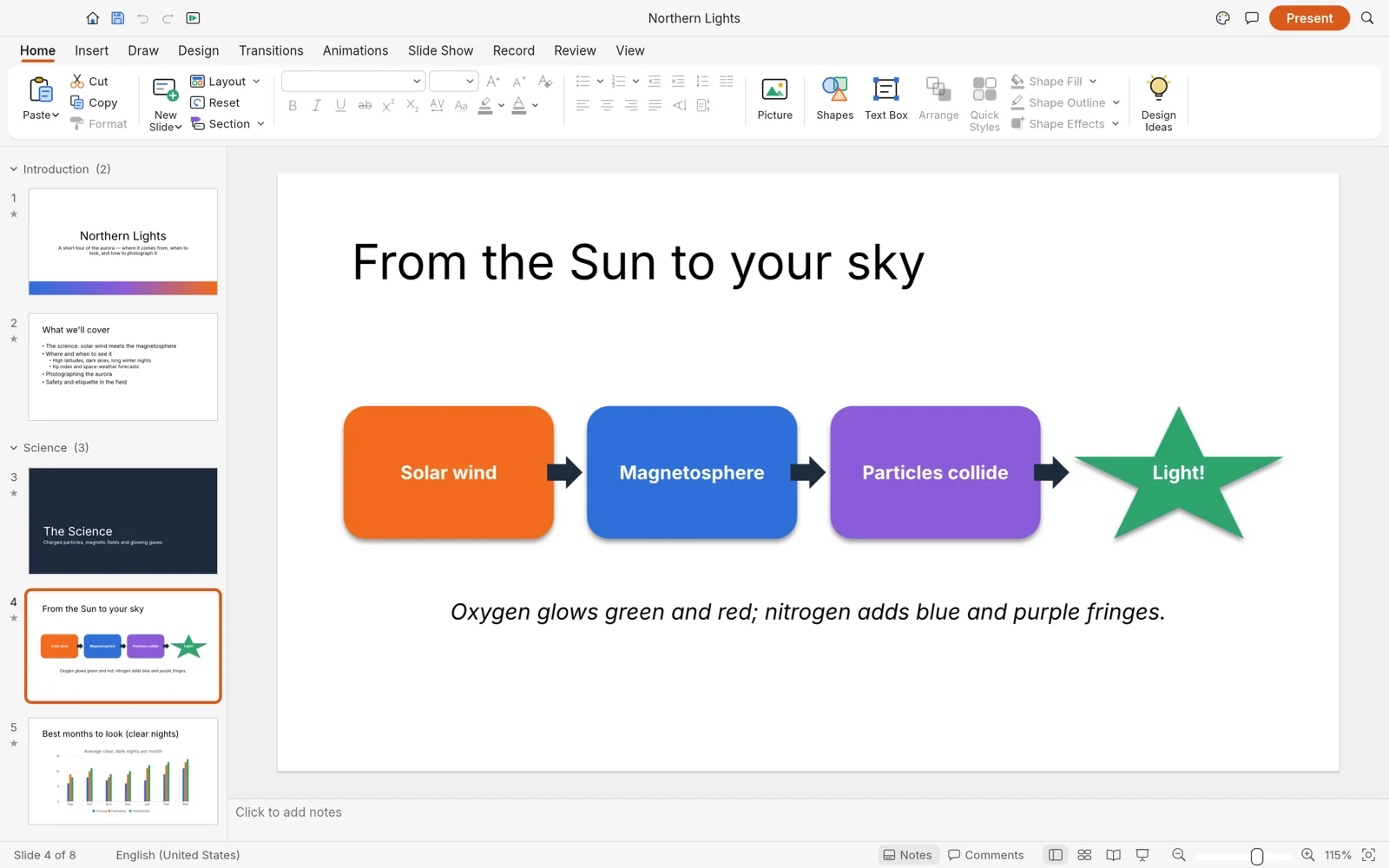
Reorder slides in Slide Sorter, add transitions and notes, and deliver a full-screen slide show.
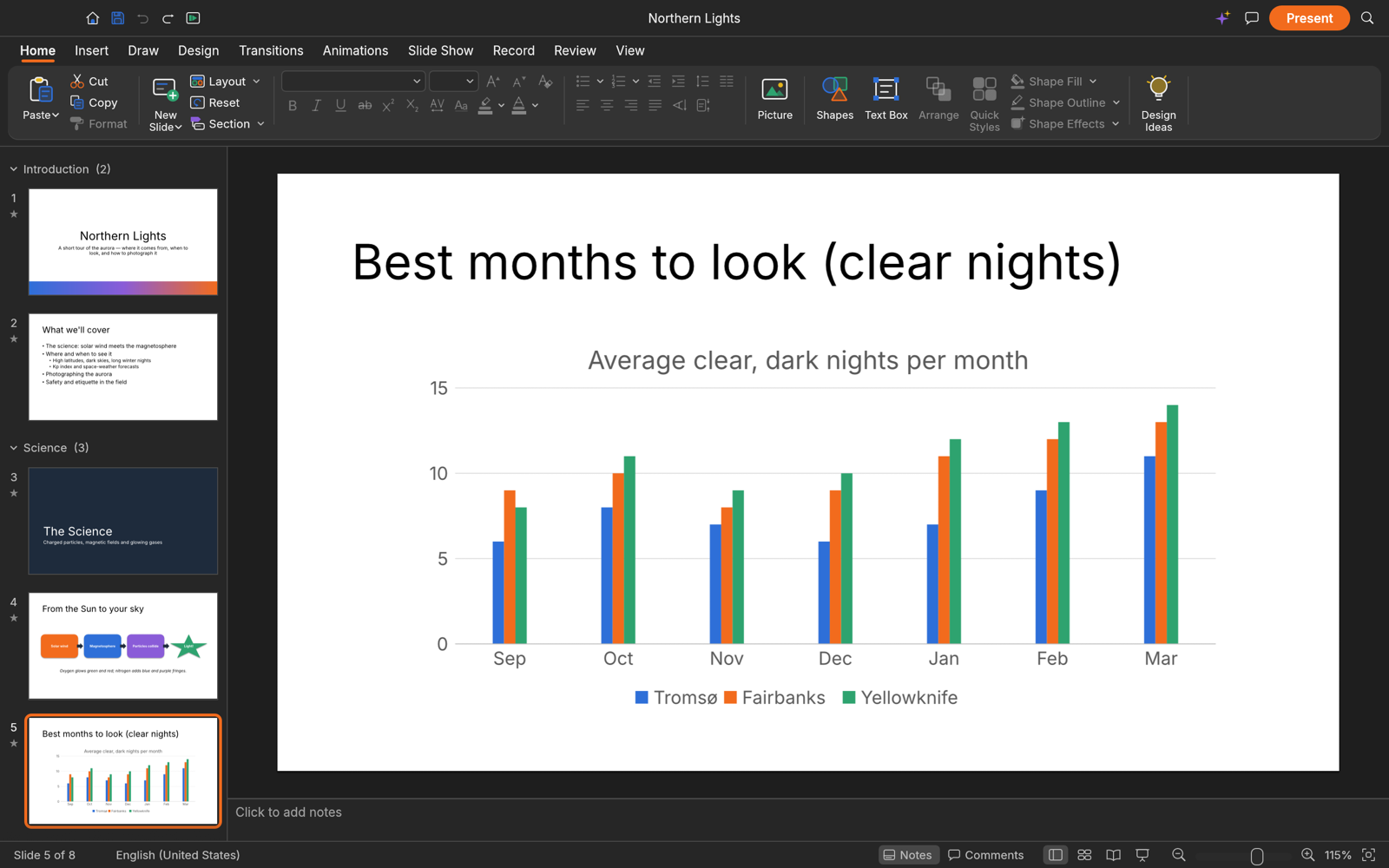
Use a theme to keep slides consistent and add a chart when the story needs data.
Images: official DeckCraft project screenshots.
GOAL Make a three-slide presentation, save an editable DeckCraft project, export a PDF, and present it full screen.
Create a new deck and choose a theme or blank layout.
The deck has an opening slide ready for a title.
Add a clear title and one-line description. Keep the slide focused on one idea.
The opening slide states the topic without a paragraph of text.
Create a second slide with three short points and a third with a shape or chart.
Three slide thumbnails appear and each slide serves a distinct purpose.
Save the editable deck as a .deckcraft project, then start a full-screen slide show.
The deck opens in presentation mode and the project file remains editable.
Export the deck as PDF and open the file in a PDF viewer.
All three slides appear in the intended order and fit the page.
Use .deckcraft for your editable working file. Use .pptx when someone must edit in PowerPoint, and PDF when the recipient only needs to view or present the slides.
| File / output | Use it for | Check before sharing |
|---|---|---|
| .deckcraft | Keep the editable DeckCraft source | Reopen and confirm slide order, text and media |
| .pptx | Exchange an editable deck with PowerPoint users | Open in PowerPoint and inspect fonts, layout, charts and animations |
| Share slides or handouts for consistent viewing | Open the exported file and inspect each page | |
| PNG / JPEG | Share individual slide images | Check resolution, crop and readable text |
DeckCraft can open and save .pptx, but its alpha status means a complex PowerPoint round trip is not guaranteed to look identical. Keep the .deckcraft source and inspect the shared copy.