 Craft Apps Guide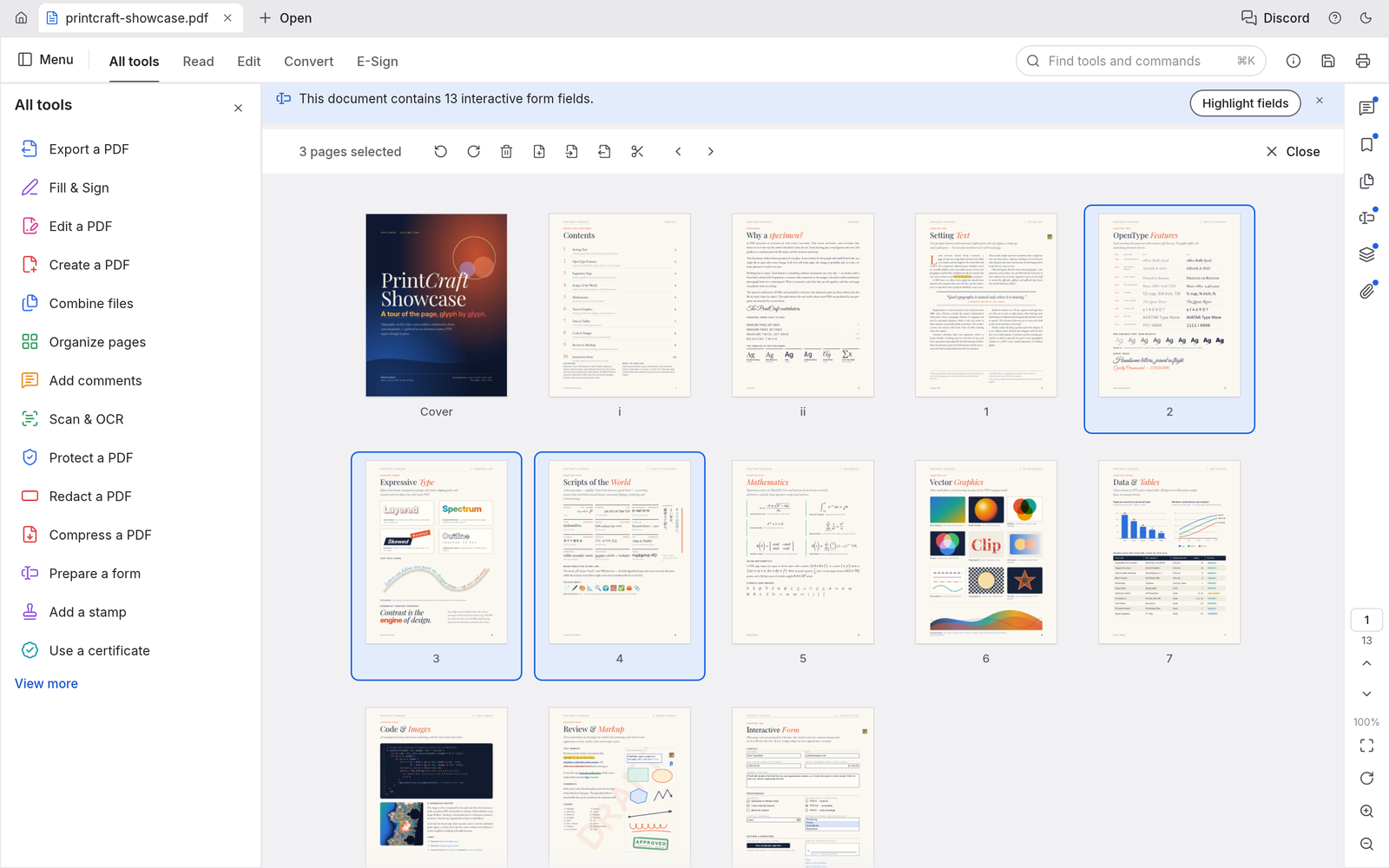
Reorder and Combine Pages
Arrange pages visually, combine documents, and remove or rotate pages to build the final PDF.
FREE · OPEN SOURCE · EARLY ALPHA · WINDOWS / MACOS / LINUX
A free, open-source PDF workbench. Compare it with Acrobat, combine two documents, and learn which PDF tasks fit its current tools.
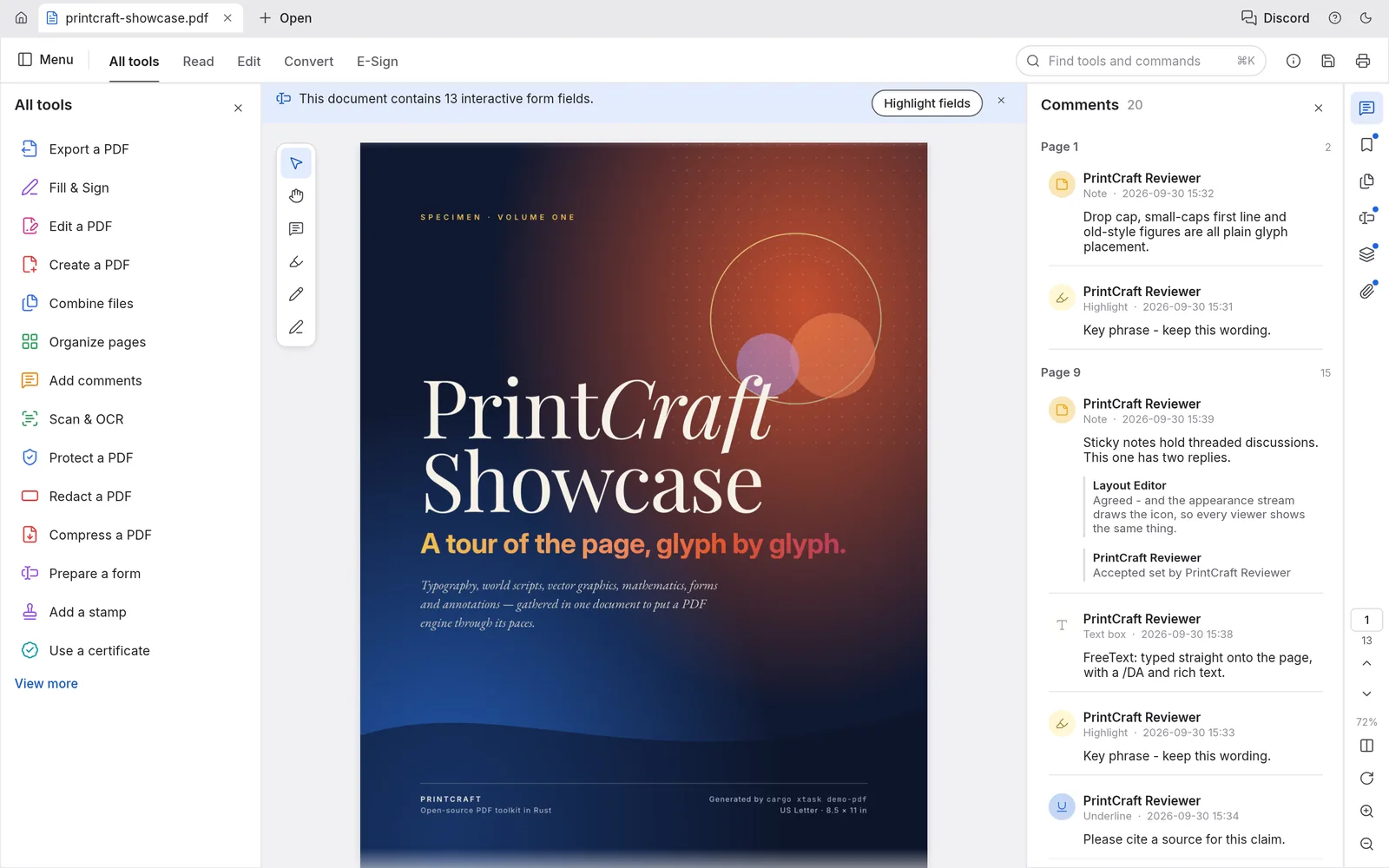
PdfCraft editor interface · Official project screenshot
| What matters | PdfCraft | Adobe Acrobat |
|---|---|---|
| Cost | Free to use | Paid plans for Acrobat Pro; pricing varies |
| Source code | Open source, built in Rust | Proprietary |
| Read and search | PDF viewing, text selection and search documented | Established PDF viewing and search |
| Organize pages | Reorder, rotate, combine, extract and split documented | Mature page organization tools |
| Comments and forms | Comments and form filling documented | Mature review and form workflows |
| Advanced conversion | No Office-to-PDF workflow; Word export can lose layout | Established Office and PDF conversion tools |
| Development stage | Early alpha | Established commercial product |
| Best fit | Local PDF reading, page organization and basic review | Complex production, Preflight and advanced Acrobat handoff |
PdfCraft covers common PDF tasks such as reading, commenting and combining pages. It is still alpha, so keep an original copy when changing an important document and use a dedicated PDF review before sharing.
Arrange pages visually, combine documents, and remove or rotate pages to build the final PDF.
Search text, select passages and add comments while reviewing a document.
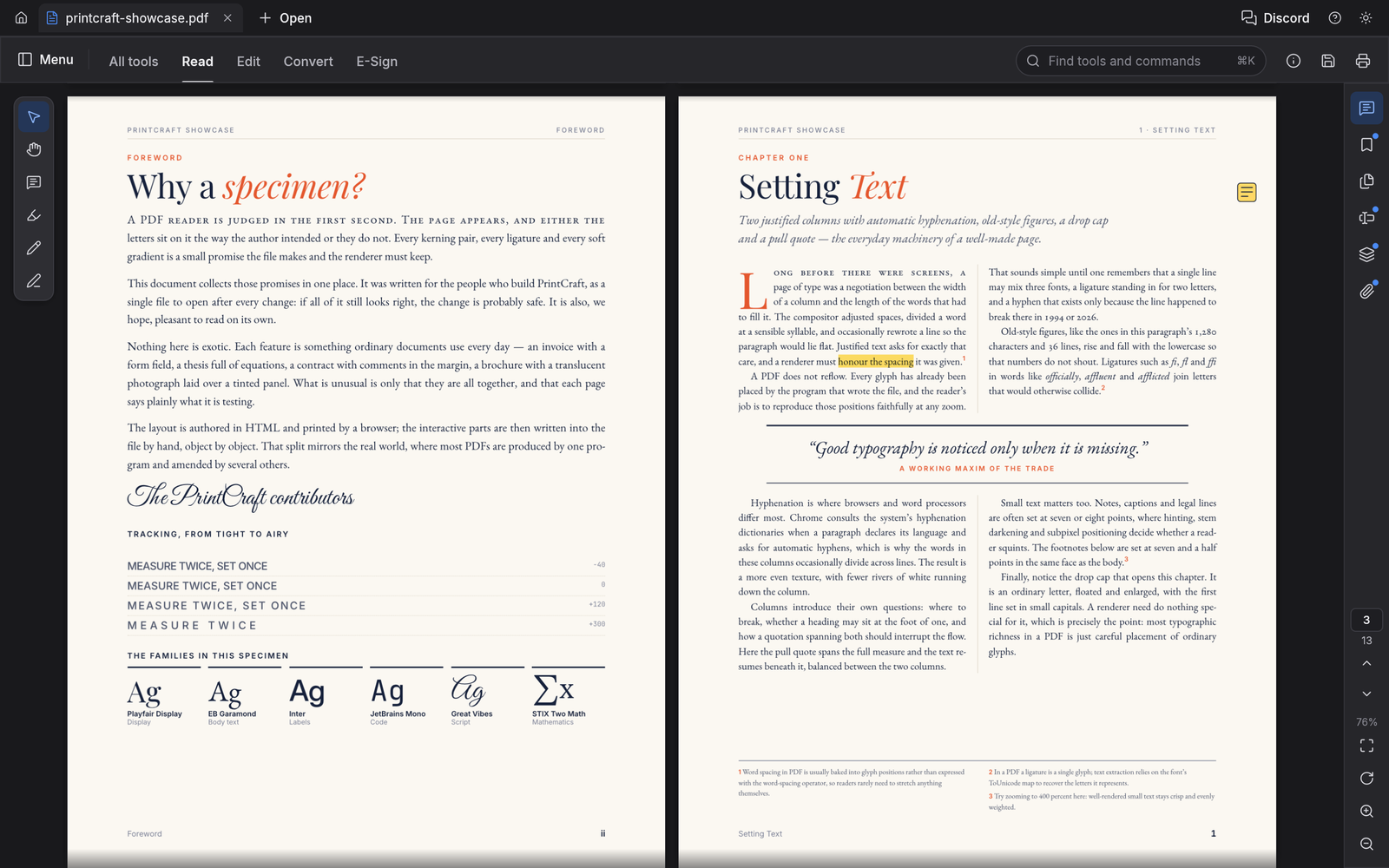
Use a two-page reading view for long documents and inspect the final page order.
Images: official PdfCraft project screenshots. Formerly named PrintCraft.
GOAL Combine two short PDFs in the right order, save a new PDF, and check every page while keeping the originals.
Keep the two original PDFs in a folder and note the order you want them to appear.
Both original documents remain available unchanged.
Open the document that should appear first in the combined file.
Its pages are visible and in the expected order.
Use the combine or insert-pages tool to add the second document after the first.
The page thumbnails now include both source documents.
Reorder or rotate any pages that need correction.
The thumbnail sequence matches the final reading order.
Save the result under a new name, then reopen it and scan every page.
The new PDF opens with the expected page count and order.
PdfCraft works with PDF documents. A combined PDF is a new file; it does not replace the two source documents. Office documents and PDF forms are separate workflows with different compatibility needs.
| Task | What PdfCraft documents | Check before sharing |
|---|---|---|
| PDF viewing | Open, read, search and select text | Fonts, page count and reading order |
| Combine / split | Reorder, combine, extract and split pages | Links, bookmarks, form fields and final page order |
| Comments / forms | Annotate and fill forms | The recipient can see saved comments and field values |
| Protected PDF | Password and permission support | Only use a document you are allowed to edit |
| Office conversion | Office-to-PDF is not a current workflow | Convert Office files in a supported tool first |
PdfCraft was previously called PrintCraft. Use the current PdfCraft page and the storytold/pdfcraft repository for the active app and releases.