 Craft Apps Guide
Choose an ArtCraft App for Office Work
ArtCraft offers three separate Crafting Apps for common office work: WordCraft for documents, GridCraft for spreadsheets and DeckCraft for presentations. Use this guide to choose the right app and check what happens when an Office file moves between programs.
What Did “ArtCraft Creator Targets Microsoft Office” Mean?
Brandon Thomas identifies himself as ArtCraft's founder. The headline refers to WordCraft, GridCraft and DeckCraft, three free, open-source apps from the ArtCraft team. They handle different jobs; they are not Microsoft products or one bundled Office application.
Choose by Task
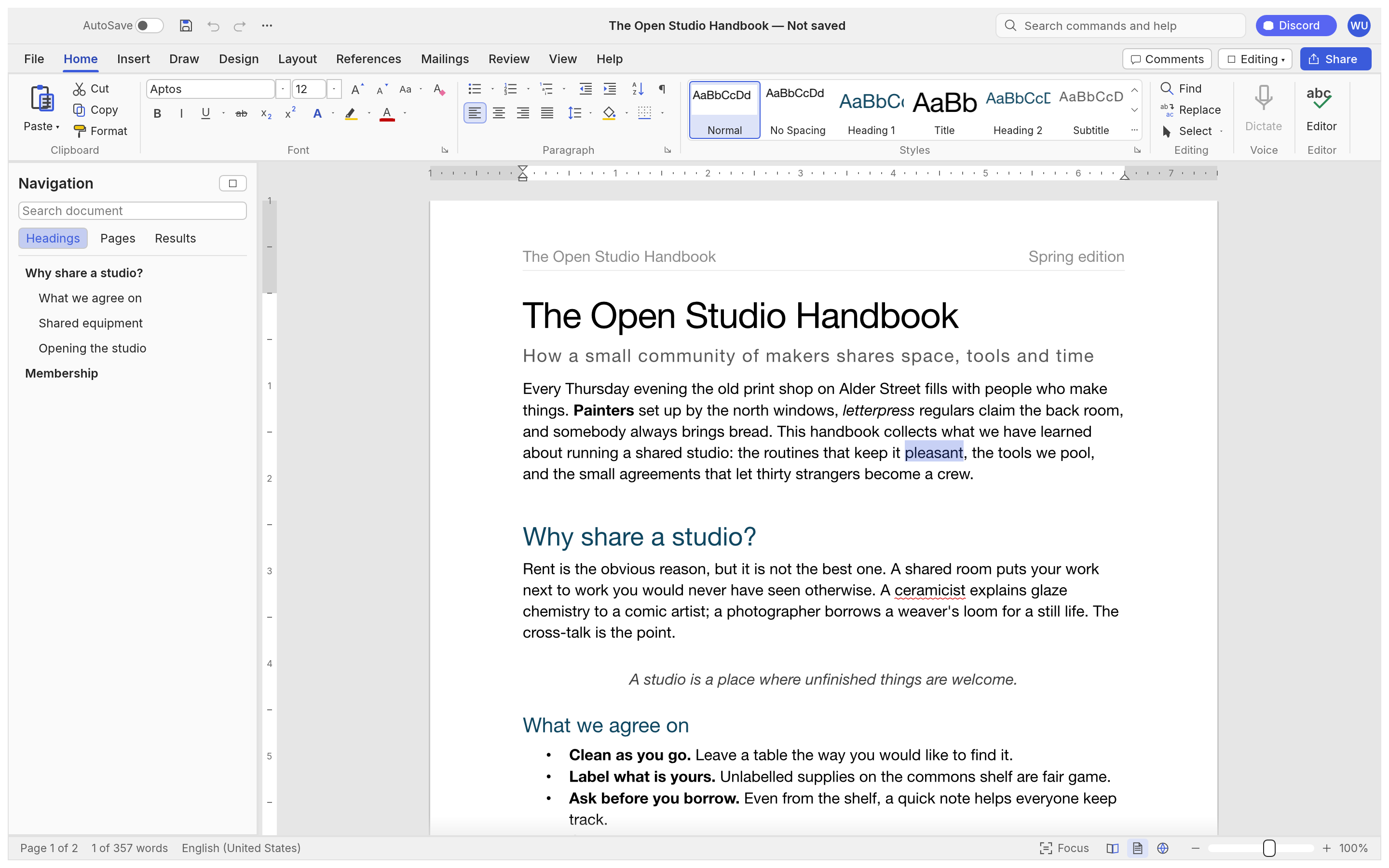
WordCraft
Write and review a document
View guide →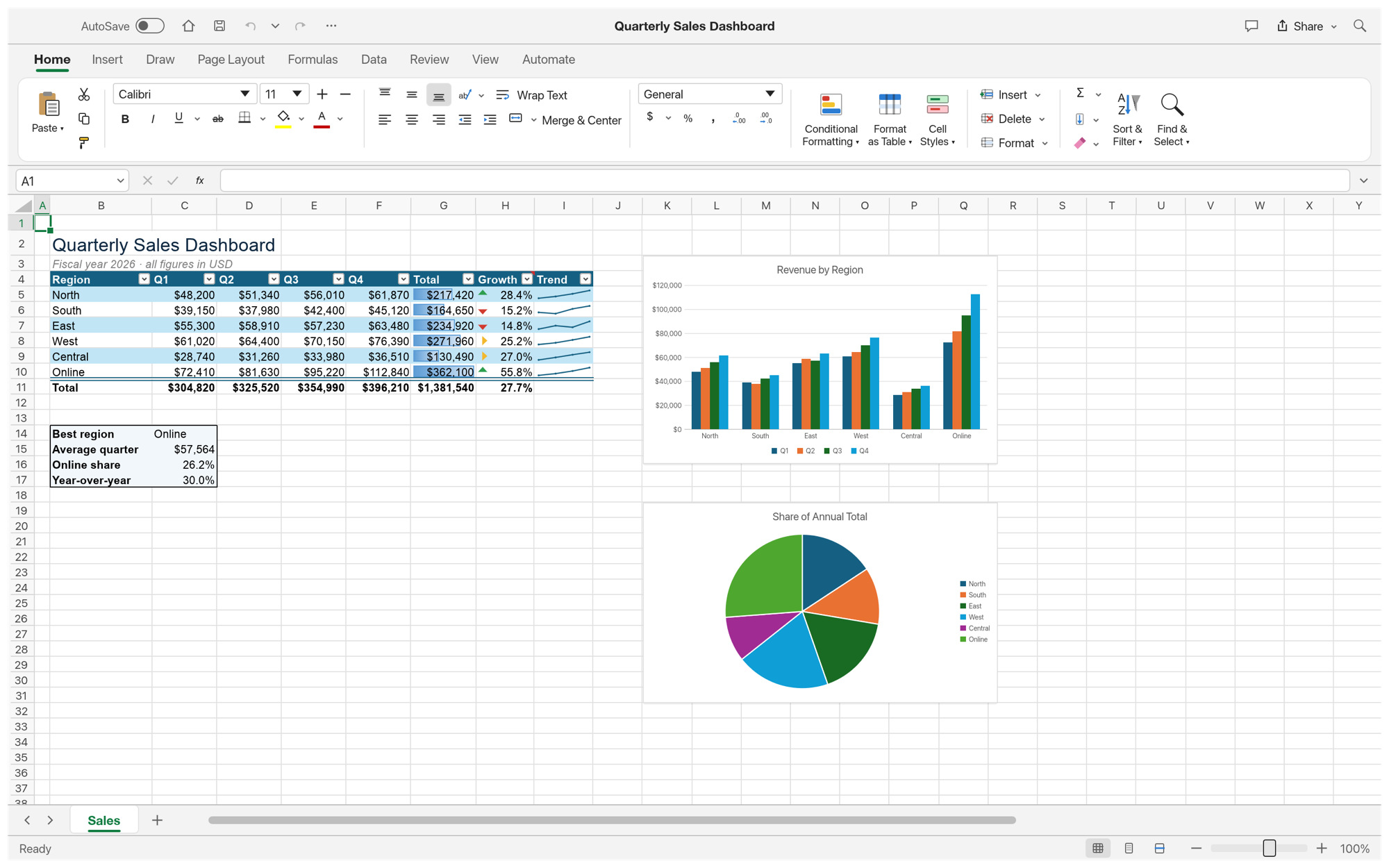
GridCraft
Build a budget or analyze a table
View guide →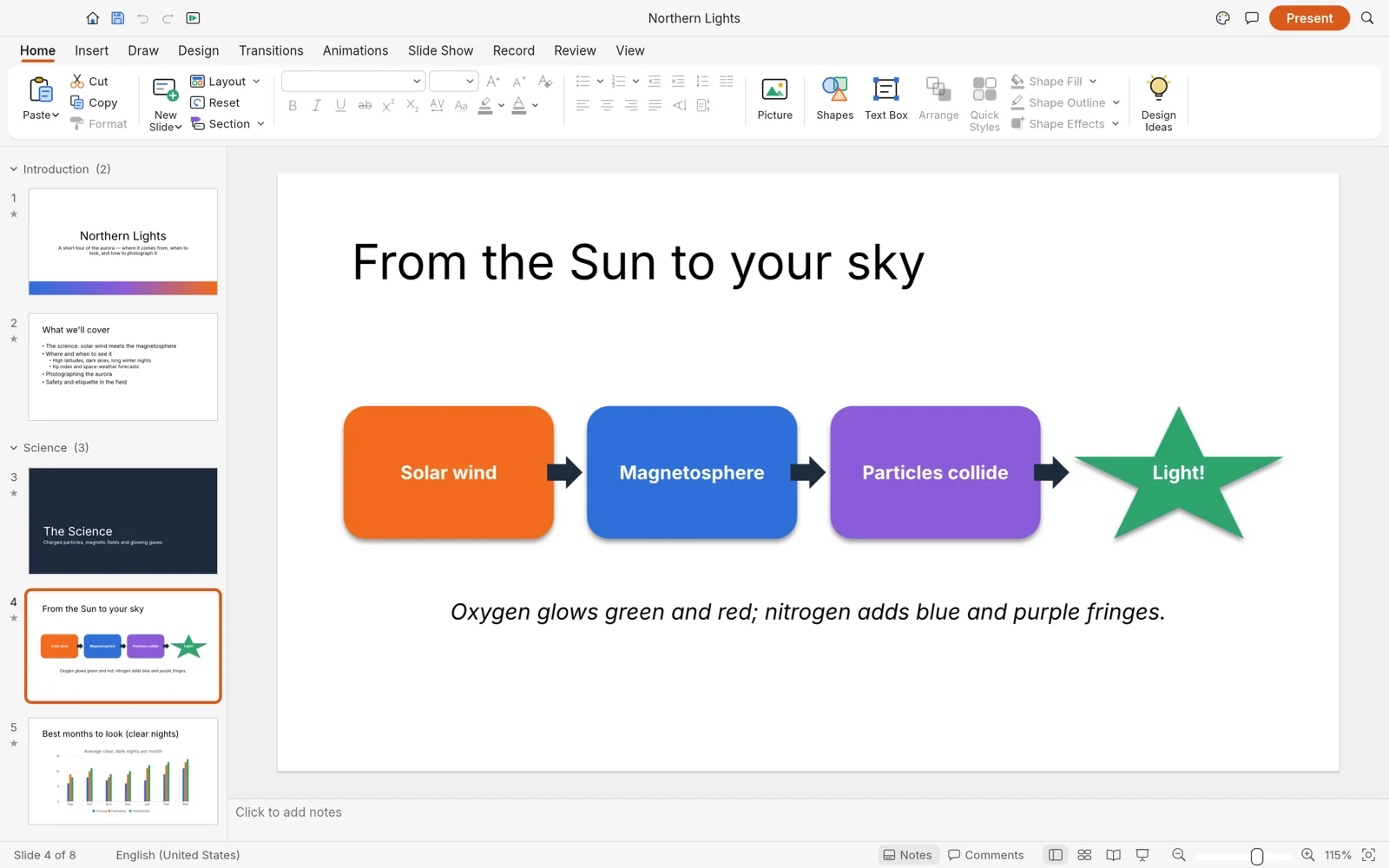
DeckCraft
Create and present slides
View guide →| If you need to... | Start with | Familiar program | File to check | Detailed guide |
|---|---|---|---|---|
| Write and review a document | WordCraft | Microsoft Word | .docx | View guide → |
| Build a budget or analyze a table | GridCraft | Microsoft Excel | .xlsx | View guide → |
| Create and present slides | DeckCraft | Microsoft PowerPoint | .pptx | View guide → |
Can You Keep Using Office Files?
The three apps document support for their corresponding Office file types. A file opening successfully is only the first check: save an exchange copy and inspect it in the program your collaborator uses.
DOCX / WordCraft: Check page breaks, fonts, tables, comments and tracked changes after an exchange.
XLSX / GridCraft: Check formula results, chart ranges, PivotTables and formatting in a saved copy.
PPTX / DeckCraft: Check fonts, slide layout, charts and animations before presenting or sending the deck.
Keep the original file. Each detailed guide above covers its own app's first project and file workflow.
A useful three-app example: write a project brief in WordCraft, calculate its budget in GridCraft, and present the plan in DeckCraft. Each app produces its own file. Check how each exported file opens in the program your collaborator uses. If the files are going to another person, reopen a copy in the program that person uses before sending them.
Are These AI Apps?
They are editors you can use directly. Their projects also document command-line and agent controls for automation. That capability does not make a document, workbook or presentation automatically correct; review the finished file and its intended output.
Get Started
1. Choose one app for the task you need now; installing all three is optional.
2. Use Get ArtCraft Apps → for official app pages, or ArtCraft Launcher → to manage several apps.
3. Follow that app's first-project guide, then use a copy of an existing Office file to judge whether its current file support fits your work.