 Craft Apps Guide
CADCraft: Open-Source CAD Drawing Guide
CADCraft is the CAD drawing application in ArtCraft’s official app directory. Start here for command-driven drafting, layers and dimensioned drawings; use the separate SolidCraft project when your main task is an editable parametric 3D part.
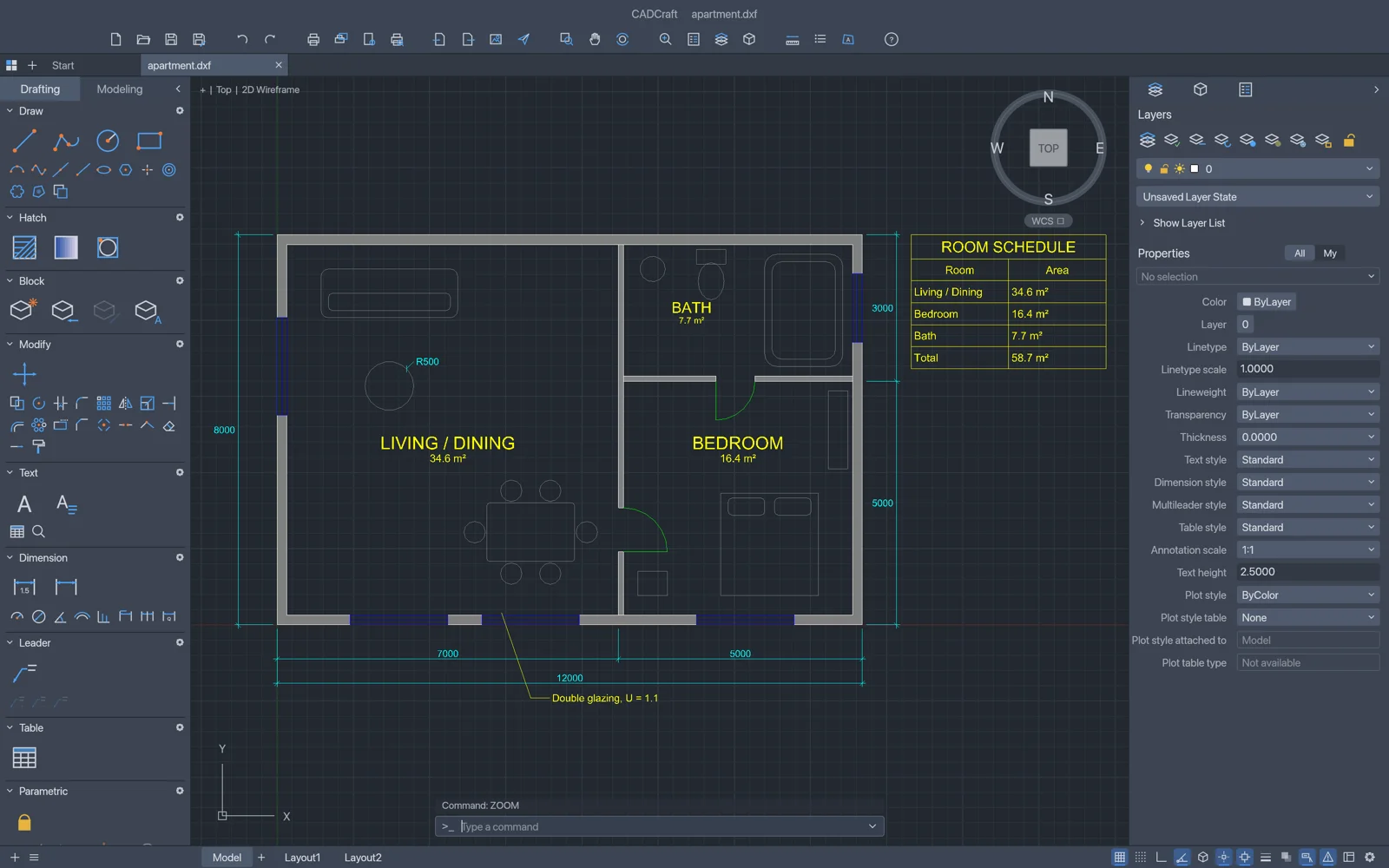
Official project screenshot
Get CADCraft from its official project
Follow the official app page or release repository and select the package for your system. The CLI and graphical application are separate downloads. This guide tested CLI 0.8.0; use the release page to check current packages.
The hero image is an official project interface screenshot, separate from our small test drawing. Official screenshot source ↗.
What the drawing workflow covers
The official documentation describes typed commands, object snaps, layers, dimensions, blocks, hatches, paper-space layouts, viewports and PDF plotting. These documented features are broader than the small sample tested here.
| Task | Documented capability | Check before delivery |
|---|---|---|
| Draft geometry | LINE, PLINE, RECTANG, CIRCLE and editing commands | Inspect coordinates, closed outlines and units |
| Organize drawings | Layers, colour, linetype and properties | Confirm objects are on the intended layer |
| Annotate and print | DIM commands, layouts, viewports and PDF plotting | Check dimension values, paper size and plotted scale |
| Exchange files | DXF read/write; release README also documents DWG read and R2000 write | Preserve originals; unsupported entities can disappear when saving |
A small drawing we actually checked
Tested 20 October 2026 on macOS 27.0.1 arm64 using the official universal CLI release. Fixtures were created for this guide. These are real headless engine and stdio MCP tests; manual desktop interaction and authenticated model-driven generation were not tested. A separate real Claude Code 2.1.304 mcp list health check connected to both servers.
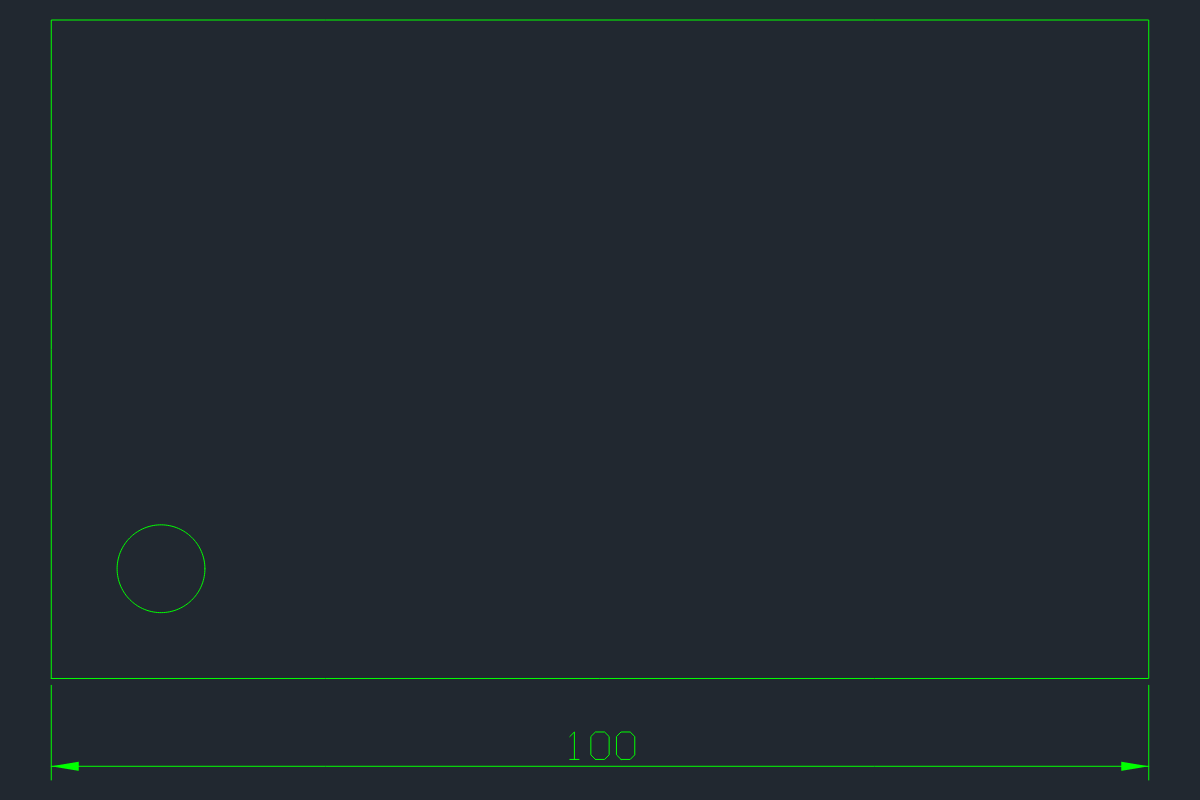
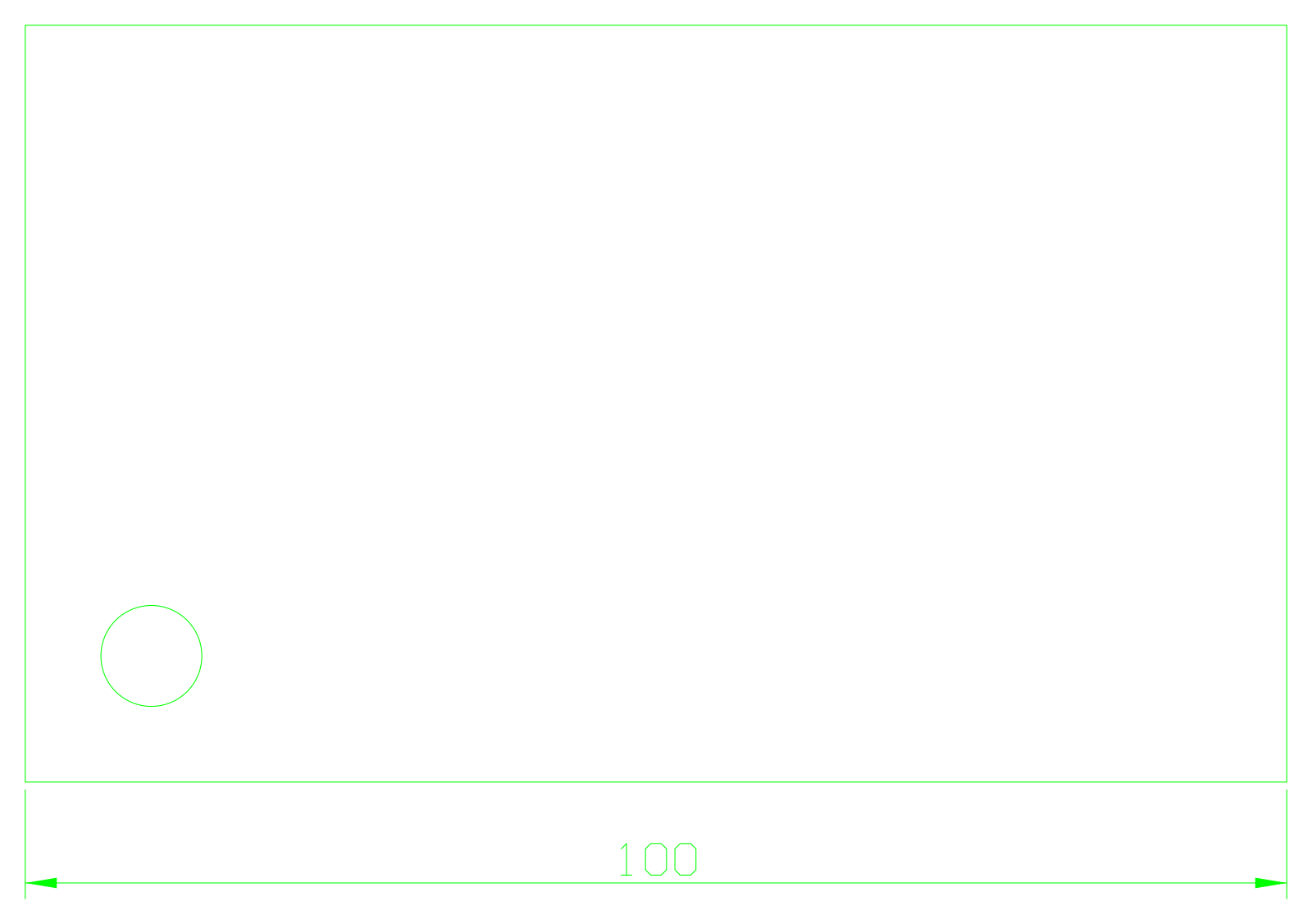
In CLI 0.8.0 we created a metric drawing with a green OUTLINE layer, a closed 100×60 rectangle, a circle at (10,10) with radius 4 and a 100-unit linear dimension. Saving and reopening the DXF returned one polyline, one circle and one dimension, with no open warnings. SVG export and PNG rendering also completed. This does not establish compatibility with arbitrary customer drawings.
File limits and the SolidCraft distinction
The 0.8.0 release bundle README documents DWG reading and writing R2000. Our test used DXF only, so we make no DWG fidelity claim. Keep the source file and compare geometry, layers, annotations and unsupported entities after every exchange.
SolidCraft belongs to Tangency Labs and is a separate project. Its parametric 3D timeline and native .solidcraft design are different from this drawing-focused sample.
Sources & Evidence
Official sources checked 20 October 2026. Test results are limited to the versions, environment and files stated above.
- CADCraft official app page ↗ — ArtCraft directory and official acquisition.
- CADCraft 0.8.0 release ↗ — Tested CLI release; included README documents DXF read/write, DWG read and R2000 write; unsupported entities can be lost.
- CADCraft MCP documentation ↗ — Documented server and tool interface; use installed release tool schemas.
- Our downloadable test results — Self-created samples tested 20 October 2026 on macOS arm64.