 Craft Apps Guide
SolidCraft vs CADCraft: Which Tool Fits Your Project?
SolidCraft and CADCraft come from different projects. Choose by the deliverable: an editable parametric 3D part or a drafted drawing. Both document broader CAD functions; this comparison is grounded in one small verified workflow per application.
Choose by the result you need
| Task | SolidCraft | CADCraft | File handoff or limit | How to choose |
|---|---|---|---|---|
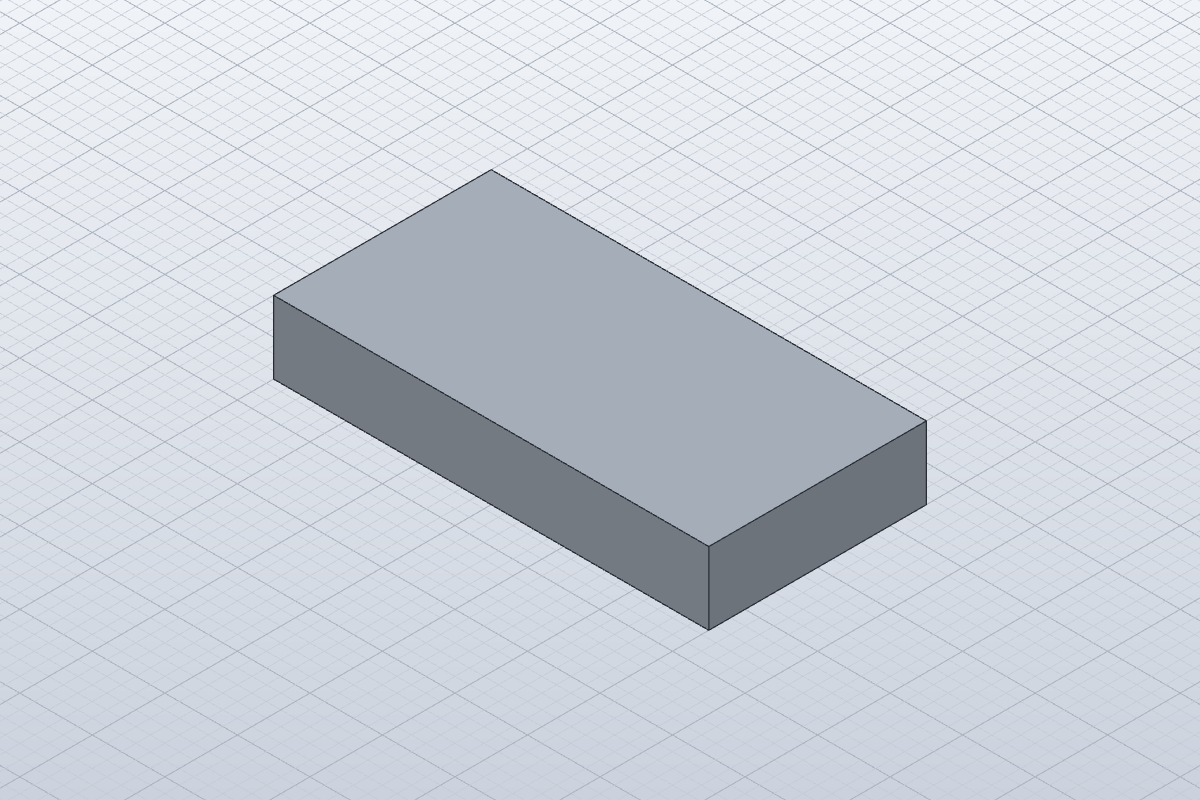
| Change a 3D part dimension | 0.16.2 constrained sketch and extrusion rebuilt from width 40 to 60 mm | 0.8.0 sample tested 2D drafting; broader 3D claims not assessed | Native .solidcraft preserves parameters; STEP imports as geometry | Choose SolidCraft for the tested parametric-part task |
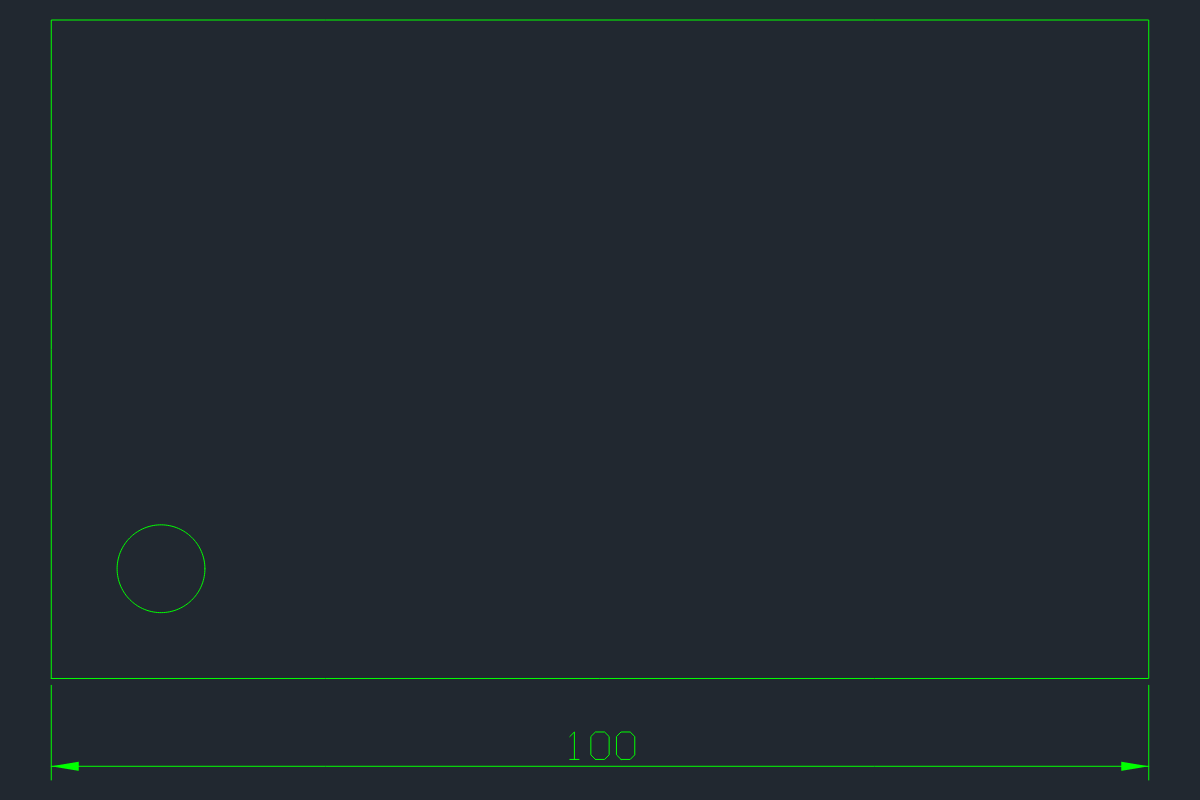
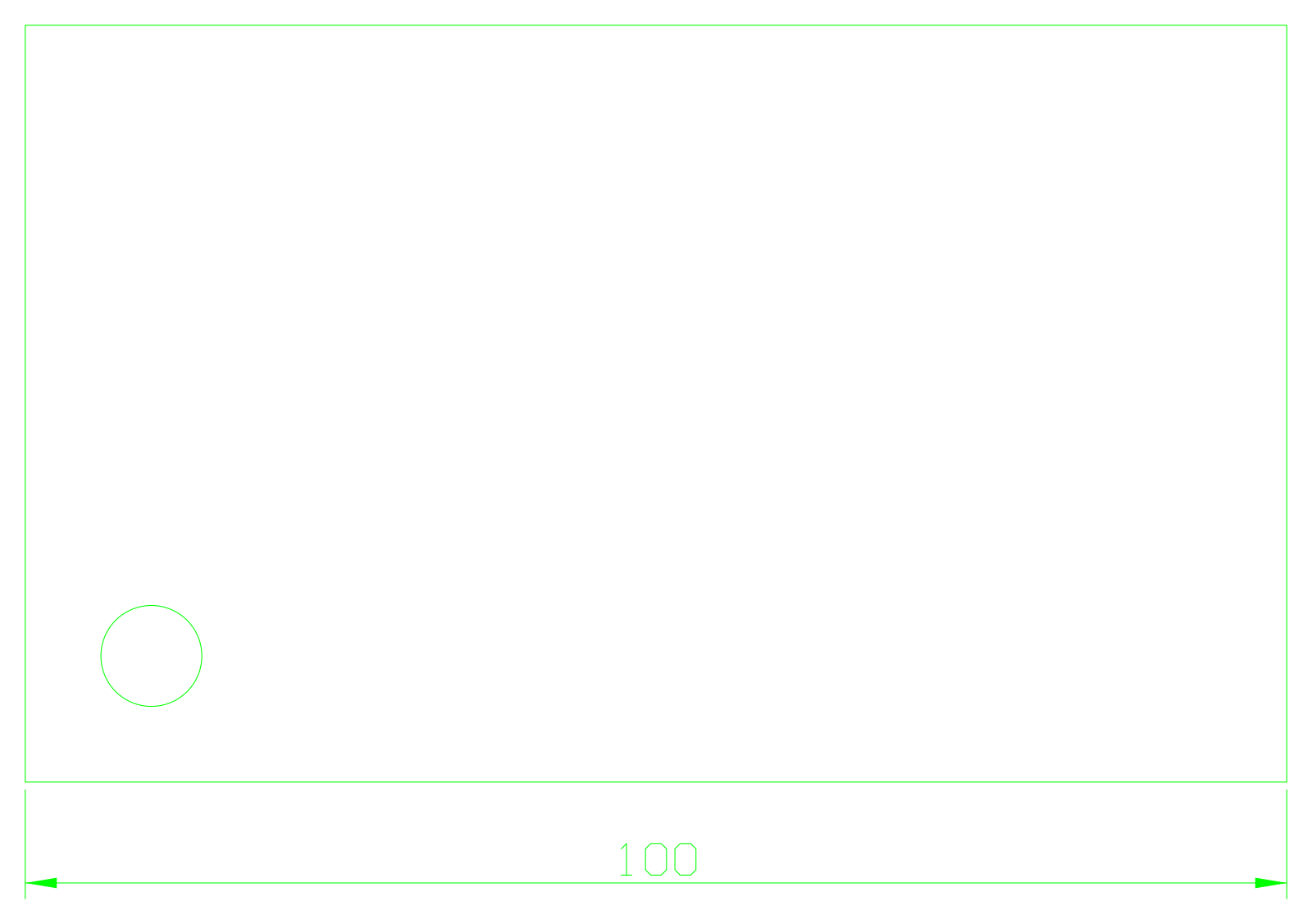
| Deliver a dimensioned drawing | Our part sample contains a sketch and extrusion, not a plotted drawing | 0.8.0 saved/reopened a 100×60 outline, circle and 100 dimension on OUTLINE | DXF sample returned three entities without warnings | Choose CADCraft for this tested 2D drawing task |
| Exchange a 3D solid or mesh | STEP/STL exports reimported in the same app | Not tested for this sample | Same-app reimport is not third-party interoperability | Validate the recipient’s application before delivery |
| Automate repeatable work | solidcraft-cli mcp; measure and inspect_design | cadcraft-cli mcp; inspect_drawing and render | Both headless sessions were tested with real JSON-RPC | Use the app-specific command catalog; commands are not interchangeable |
| Keep editable originals | Keep .solidcraft alongside STEP/STL copies | Keep original DXF/DWG before saving copies | CADCraft release README warns unmodeled entities can be lost | Use a copy for each migration test |
Our sample evidence
Tested 20 October 2026 on macOS 27.0.1 arm64 using the official universal CLI release. Fixtures were created for this guide. These are real headless engine and stdio MCP tests; manual desktop interaction and authenticated model-driven generation were not tested. A separate real Claude Code 2.1.304 mcp list health check connected to both servers.
SolidCraft 0.16.2: DOF 0 sketch, volume 12,000→18,000 mm³ after width change, native reopen without errors. CADCraft 0.8.0: closed polyline, circle and dimension persisted through DXF save/reopen; SVG and PNG outputs completed. These small fixtures do not rank the full products or certify production drawings.
Origins and acquisition
CADCraft is listed in ArtCraft’s official catalog. SolidCraft is the Tangency Labs project and should not be counted as another official Craft app. Download from each project’s official release page.
CADCraft 0.8.0 bundled README documents DWG reading and R2000 writing, but our actual exchange test is DXF only. No blanket DWG round-trip guarantee follows from the feature list.
Sources & Evidence
Official sources checked 20 October 2026. Test results are limited to the versions, environment and files stated above.
- CADCraft official app page ↗ — ArtCraft directory and official acquisition.
- CADCraft 0.8.0 release ↗ — Tested CLI release; included README documents DXF read/write, DWG read and R2000 write; unsupported entities can be lost.
- CADCraft MCP documentation ↗ — Documented server and tool interface; use installed release tool schemas.
- Our downloadable test results — Self-created samples tested 20 October 2026 on macOS arm64.
- SolidCraft official repository ↗ — Tangency Labs independent parametric CAD project.
- SolidCraft 0.16.2 release ↗ — Actual release used for tests.
- SolidCraft MCP documentation ↗ — Headless and bridged MCP, inspect/measure/save/export; installed release may differ from main.
- Getting started ↗ — Manual app, native files and units.