Build, edit and check a part
1Create a dimensioned sketch
Create width = 40 mm, depth = 30 mm and height = 10 mm using parameters.change. Create an XY sketch; add sketch.rectangle.center with center [0,0] and corner [20,15].
CHECKA 40×30 rectangle with horizontal/vertical relations and center at the origin.
If this fails: Inspect created curve IDs instead of assuming them after earlier edits.
Keep: Sketch in native design
2Constrain it
In a fresh sketch use sketch.constraint.coincident {"a":"p5","b":"origin"}; use sketch.dimension for l1 with value width and l2 with value depth.
CHECKThe tested fresh sketch reports solved true and zero degrees of freedom after both dimensions.
If this fails: Check current IDs and solver status. Do not proceed with conflicting or unsolved constraints.
Keep: Native sketch with d1 = width and d2 = depth
3Extrude and measure
Finish the sketch; run solid.extrude with distance height and body_name GuidePlate. Call measure.
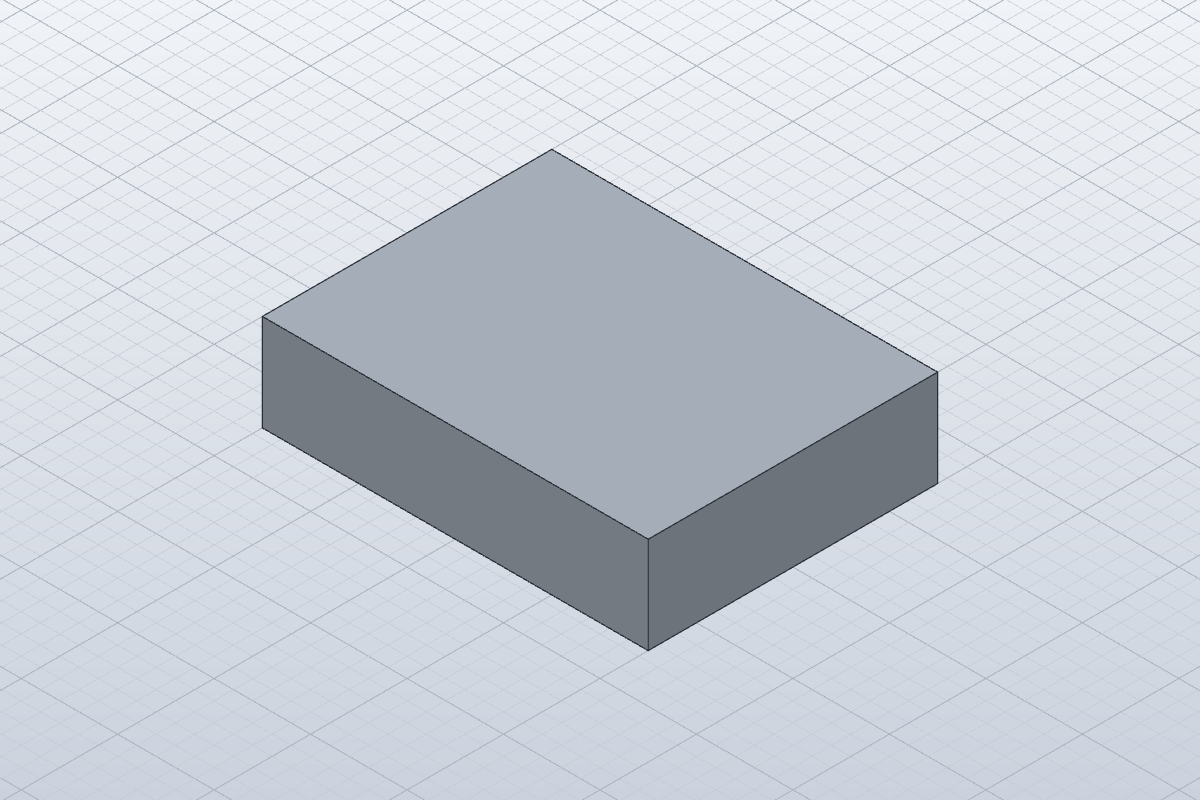
CHECKOne 40×30×10 mm body, six faces, volume 12,000 mm³.
If this fails: Check the body bounding box and analytical volume; a render alone does not prove dimensions.
Keep: Native sketch and extrusion timeline
4Change a parameter
In tested 0.16.2 call set_parameter {"name":"width","value":"60 mm"}, then measure.
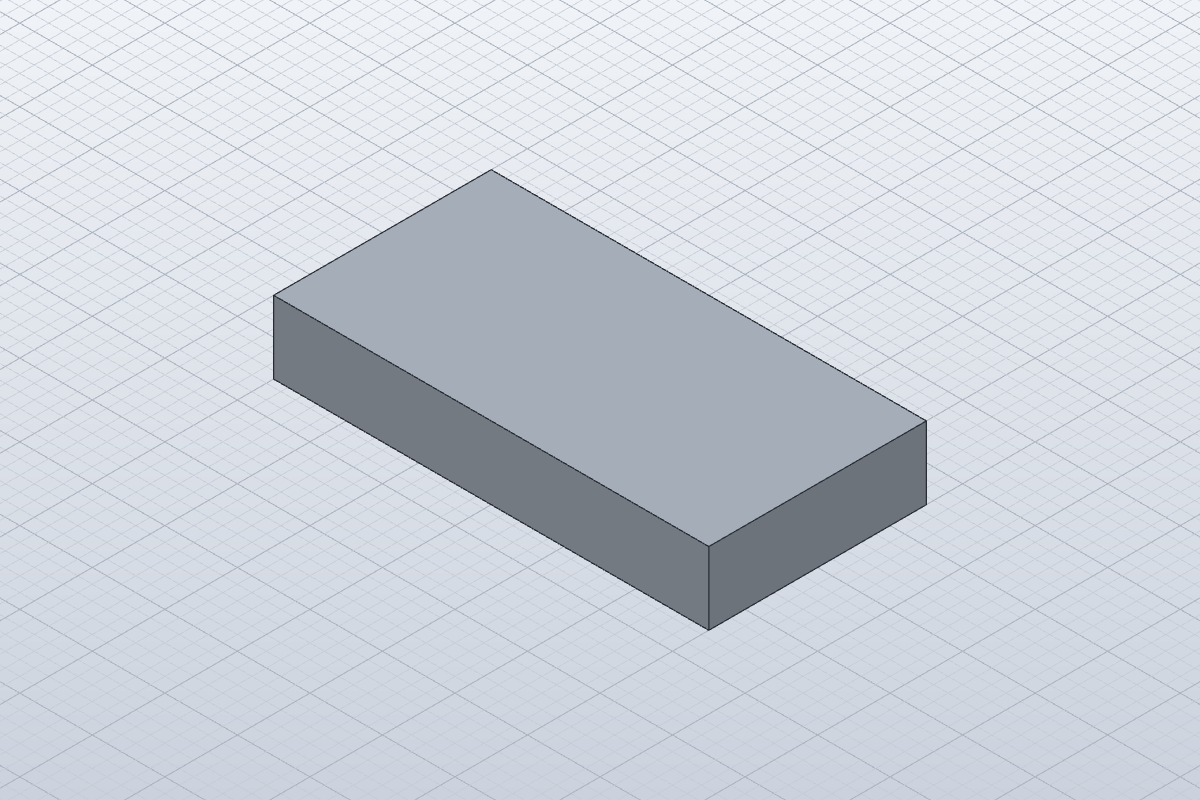
CHECKTwo features recompute; dimensions become 60×30×10 mm and volume becomes 18,000 mm³.
If this fails: This release requires value, not the expression alias shown in newer main documentation. Inspect the installed schema and returned error.
Keep: Editable changed design
5Save, reopen and export
Save plate.solidcraft, start an empty design, open the saved file and inspect/measure again. Export STEP and STL copies.
CHECKNative reopen retains two features without errors and volume 18,000 mm³. Same-app STEP and STL reimports succeed; STL contains 12 triangles.
If this fails: A STEP import is an imported solid and STL is a mesh; keep the native file for the editable sketch and parameter history.
Keep: plate.solidcraft, plate.step, plate.stl
 Craft Apps Guide